
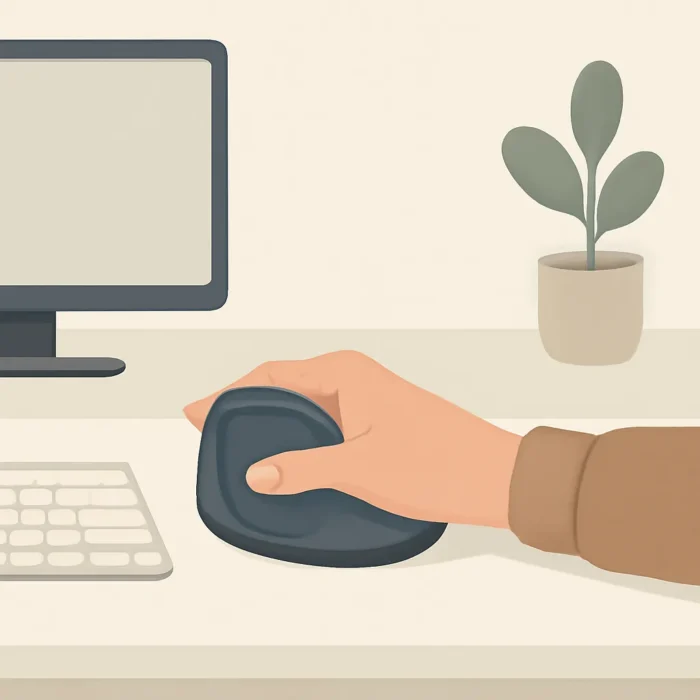
Clicking with your left hand reduces strain
Clicking with your left hand can feel clumsy at first, but it helps reduce the strain on your right shoulder, wrist and forearm. If you sit at a computer every day, this is a small change that can give your body a surprisingly big break. That’s especially true if your mouse sits too far to the right and your arm has to reach forward or out to the side all the time.
The original observation appeared in an M&F Hers article and described a study that looked at using the mouse with the other hand. The idea is simple: if one side does all the work for years, it will start to complain somewhere.
Why clicking loads your right side
Most people use the mouse with their right hand. That isn’t bad in itself. The problem starts when the workday is long, the desk is narrow and the keyboard pushes the mouse away from your body. A standard keyboard has a number pad on the right side. So the letter keys end up roughly in front of you, but the mouse gets pushed out to the right edge.
So what actually happens? Your shoulder moves slightly forward and out to the side. Your wrist works through small repetitive movements. Your forearm stays in the same position. One click does no harm, but thousands of small movements a day are a different story.
This is exactly where repetitive strain problems come into play. They don’t always appear after one sudden movement. Often the tension builds up quietly. At first it’s just uncomfortable. Then the shoulder gets stiff. Later you may notice in your wrist or forearm that the workday feels longer to your body than it should.
How clicking with your left hand works
Researchers at the health and safety research institute in Montreal asked more than 25 volunteers to use the mouse on the left side while working at the computer. The trial lasted a month. That’s long enough for the initial clumsiness to pass and for the hand to start learning the new movement.
After practicing, the participants made smaller movements with the hand, wrist and shoulder. This is an important detail. The goal isn’t to overload the left hand, but to bring the mouse closer to your body and make your posture calmer. When the mouse is on the left, your right hand no longer has to stretch over the keyboard or the edge of the desk.
Honestly, the first day feels strange. The cursor goes to the wrong place, double-clicking doesn’t work and dragging files can drive you up the wall. But this is a skill, not a test of character. Just as nobody expects a new exercise to be perfect right away in training, using the mouse with your left hand doesn’t have to be smooth in the first hour.
According to the original story, most volunteers learned to use the mouse with their left hand faster than they expected. Even more interesting: more than three-quarters of the participants kept using their left hand after the experiment ended. That says a lot. If the change were only good in theory, people would quickly go back to their old habit.
Practical tips for your mouse and keyboard
A simple truth: don’t make this change in the middle of your busiest workday. Try it in the evening at first, on the weekend, or during work where precision doesn’t decide everything. Put the mouse on the left and leave the buttons as they are for now. Some people are fine with that right away. Others want to swap the primary click between the right and left buttons in the mouse settings.
Keep the mouse close to your body. Your elbow should be roughly at your side, not far out in front. Your wrist doesn’t need to hover in the air or bend at an awkward angle. If the desk is too high, your shoulder will still end up tense, no matter which side the mouse is on.
If your left hand doesn’t work for you, or your job requires very precise mouse use, the other option is to change the keyboard. A symmetrical keyboard or a keyboard without a number pad brings the mouse closer to your body. This is especially useful for people who don’t use the number pad every day. An ergonomic keyboard can also help if the standard position forces your wrists to bend inward.
A good sign is that your shoulder is less tired at the end of the day. A bad sign is new pain in your left wrist or forearm. If that happens, ease off. Switch sides, take breaks and check whether the mouse is too heavy, the desk too high or the movement too big. Ergonomics isn’t a competition. It should make work easier.
FAQ: clicking with your left hand
Is using the mouse with your left hand right for everyone?
Not necessarily. If you have an earlier injury in your left hand, or your work needs very fast precision, it’s worth starting with short trial sessions. For some people switching sides works well, while for others a keyboard without a number pad helps more.
How long does it take to get used to it?
The original trial lasted a month, but the first noticeable adjustment can come sooner. Start with simple tasks: browsing the web, opening documents and ordinary clicking. Leave more precise dragging for later.
Is it enough to just move the mouse to the other side?
Sometimes it is. If your desk, chair and keyboard are still in a poor position, the tension remains. Look at your whole workstation: the distance to the mouse, the position of your elbow, the angle of your wrist and whether your shoulder can stay relaxed.
Author: joker
Source: WHO – physical activity.
Come and train! ArtGym